




TS
gdrshop
[Official Lounge] Lenovo A6000 | Affordable 4G LTE - Snapdragon 64 bit
![[Official Lounge] Lenovo A6000 | Affordable 4G LTE - Snapdragon 64 bit](https://s.kaskus.id/images/2015/04/08/5419634_20150408103044.jpg)
![[Official Lounge] Lenovo A6000 | Affordable 4G LTE - Snapdragon 64 bit](https://s.kaskus.id/images/2014/10/12/7238869_20141012035343.jpg)
![[Official Lounge] Lenovo A6000 | Affordable 4G LTE - Snapdragon 64 bit](https://dl.kaskus.id/i430.photobucket.com/albums/qq28/cloverclown/GarisSinar.gif)
News & Update
Spoiler for News:
![[Official Lounge] Lenovo A6000 | Affordable 4G LTE - Snapdragon 64 bit](https://s.kaskus.id/images/2015/04/09/5419634_20150409121624.png)
Quote:
Specification
Spoiler for :
![[Official Lounge] Lenovo A6000 | Affordable 4G LTE - Snapdragon 64 bit](https://s.kaskus.id/images/2015/04/08/5419634_20150408103431.png)
![[Official Lounge] Lenovo A6000 | Affordable 4G LTE - Snapdragon 64 bit](https://s.kaskus.id/images/2015/04/08/5419634_20150408103558.png)
GSMARENA
![[Official Lounge] Lenovo A6000 | Affordable 4G LTE - Snapdragon 64 bit](https://s.kaskus.id/images/2015/04/08/5419634_20150408102152.png)
Perbandingan
![[Official Lounge] Lenovo A6000 | Affordable 4G LTE - Snapdragon 64 bit](https://dl.kaskus.id/www.androidlaunches.com/wp-content/uploads/2015/01/RedMi-Note-vs-Yu-Yureka-vs-Lenovo-A6000.png)
Speksifikasi Lengkap
KLIKKLIK
RULES DAN SANKSI PELANGGARAN
Quote:
Quote:
![[Official Lounge] Lenovo A6000 | Affordable 4G LTE - Snapdragon 64 bit](https://dl.kaskus.id/2.bp.blogspot.com/-_Eu3HAOHU00/VSPuTiyC8dI/AAAAAAAALaM/ktFZjjDfoJk/s1600/fb_tvdigitaljogja_group.png)
Quote:
Jika ada info, tips & tricks yang kiranya bisa di update ke PAGE ONE, harap menggunakan gambar dibawah ini tanpa spoiler.
![[Official Lounge] Lenovo A6000 | Affordable 4G LTE - Snapdragon 64 bit](https://dl.kaskus.id/www.lenovoassetportal.com/Content/images/img-lenovo-logo.gif)
Silahkan Copy codenya dibawah ini:
Code:
Silahkan Copy codenya dibawah ini:
Code:
Quote:
Quote:
Diubah oleh gdrshop 09-04-2015 19:30
bebeninfinix313 memberi reputasi
1
1M
6.3K
Komentar yang asik ya
Mari bergabung, dapatkan informasi dan teman baru!

Android
29.6KThread•17.9KAnggota
Tampilkan semua post
TS
gdrshop
#3
ROM COLLECTION
STOCK ROM
Quote:
Firmware S032
A few of us are well at editing system but some may have deleted something important ... So I come to the rescue.....
Disclaimer
I'm not responsible for anything happened to ur phone ...but it is safe as milk
Requirements
You need to boot into recovery Only cwm is available I have posted it in other thread here(http://forum.xda-developers.com/chef...t-cwm-t3053394)
Now for restoring the stock ROM for ur lenovo a6000 u need to download the rar file. Here
http://www.mediafire.com/?44gag19z10g38d6
Or
https://www.dropbox.com/s/g11ljwg2pm...rkmod.rar?dl=0
Extract the rar and in that folder go to backup and then inside the another folder edit the nandroid.md5 file with notepad++ and remove the 2 lines data tar and data tar a completely with some numbers...
And place clockworkmod folder in ur internal storage
Boot to recovery ..by pressing volume up and down and power at the same time
Select restore by navigating up and down using volume buttons
it should do the trick..
or if u wanna flash a stock rom, i found out the download link of official stock firmware
DISINI
download it clear data cache and dalic cache and flash the zip
voila!!!!
Sumber : XDA
Quote:
Firmware S032 Deodex
〰Convert Odex to DEODEX YOUR ROM BY Ardian Isdead〰
[URL="http://www.4*shared.com/zip/5_7tHDkgce/deodex_flash_cwm_A6000.html"]Download Deodex Rom[/URL]
Tingal flash aj. Hasilnya liat di System App,priv-app,framewok-res.
Sebelum Eksekusi Backup Rom dahulu
Wipe Data & Factory Reset
Dan Flash... Voila !! Enjoy Modding
[/QUOTE]
CUSTOM ROM
Spoiler for CustomRom:
Quote:
Quote:
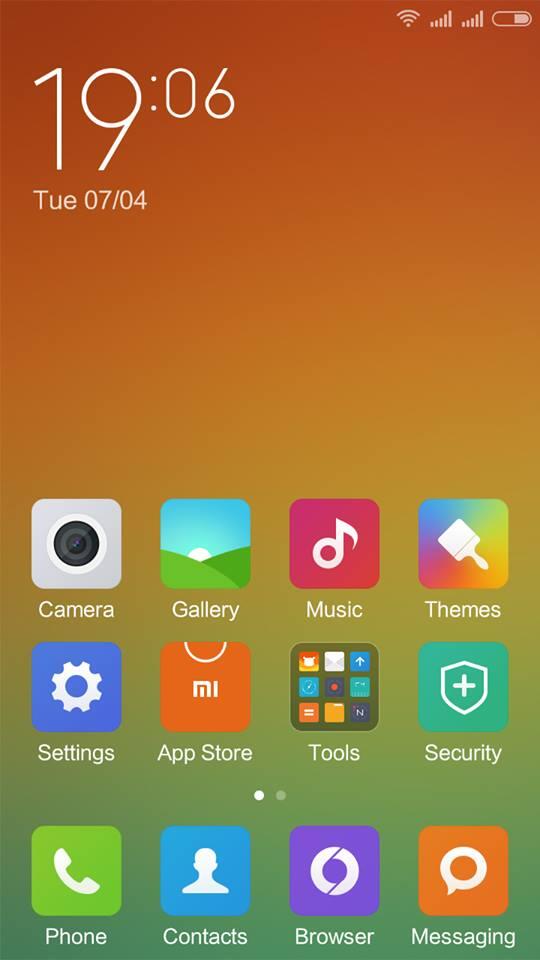
MIUI 6
Hi guys
Today I'm gonna share Rom for the LENOVO a6000 and k30 that is MIUI6
WARNING
DOING THIS WILL VOID WARRENTY SO DO IT ON YOUR ONE RISK
REQUIREMENTS
LENOVO a6000 with clockworkmod recovery no need to be rooted
MIUI 6 ROM:
http://pan.baidu.com/s/1hq7rQo0Password: 0d4e
(Google service) Gapps:
Download Link: http://pan.baidu.com/s/1c0nNnck password: ASE3
INSTRUCTIONS:
First download the MIUI 6 zip and place it in your phone's internal storage
Switch off the phone and press vol up ,vol down and power button simultaneously
It will boot to recovery then you backup your stock rom and then paste the backup in pc for safety
Then you should wipe all data and cache format and
Then go to install zip and from SD card and select the zip you copied and wait for some time till it gets installed
First boot up will be a little late
And then enjoy
Quote:
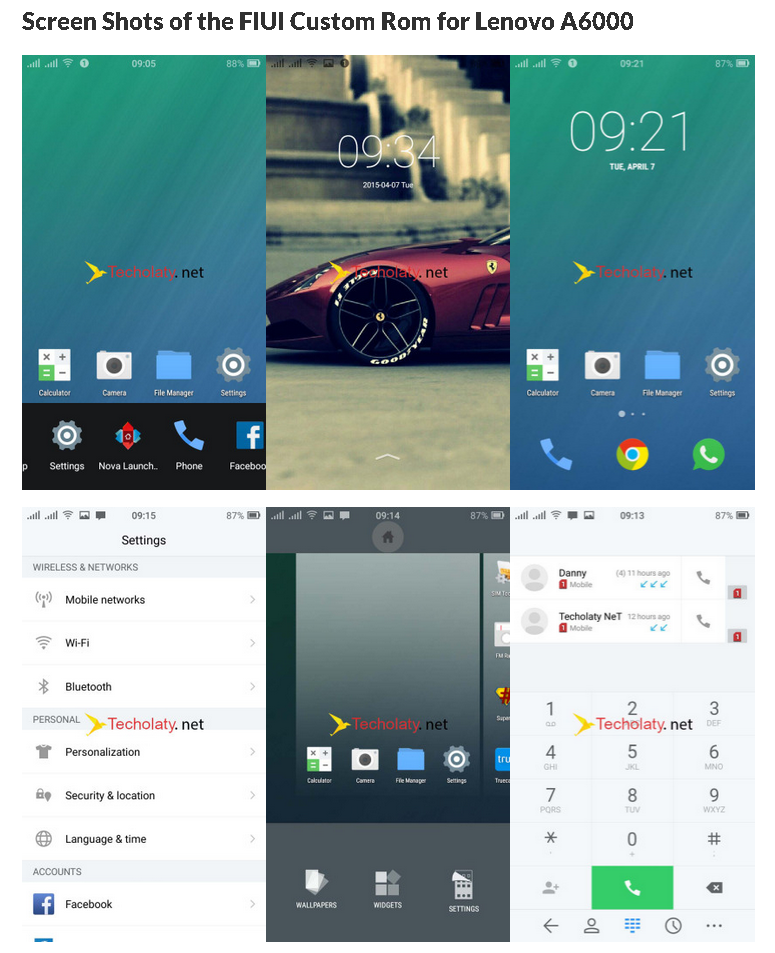
FIUI
Once again hello friends, we have been researching over custom roms on Lenovo A6000 which are actually not present as there are not much developers for the device. But we have found alternative custom roms from other devices like the Lenovo K3 which is compatible and we are testing it on our Lenovo A6000 and they are working pretty well. I hope you might have tested our other upload which was Custom Rom MIUI.
Today we are presenting you another Custom rom which is Kitkat 4.4.4 based and the type is FIUI. You can download the custom rom fiui for Lenovo A6000 below.
Before going through the guide and the files please read the message below :
DISCLAIMER : In no means we are responsible if you brick your phone or your SD card dies or your phone behaves abnormally. It is your sole and your own responsibility to install the custom rom on your phone. If you’re unaware of custom roms and its bugs then please do not go any further.
Pre-requisites :
1. Rooted device – You can read the guide here for rooting your Lenovo A6000
2. CWM installed – You can follow the tutorial here for installing CWM.
3. Custom Rom of FIUI & Gapps – Download Lewat Sumber
5. Backup all your data.
About the ROM :
Android Version: 4.4.4
Compatible with: Lenovo K30 (Works with Lenovo A6000)
ROM type: FIUI 2.1.4.0
ROM Author: liuxingghost
Base : Based version CM11 compile source of secondary development
Features of the ROM :
Fantasy Status Bar
CM11 theme
Chrome
Google Music
Light-colored status bar icons
Optimized Desktop Icon 30 about the finer
Add New Contact UI laying
Many more to explore…
How to install FIUI Custom Rom on Lenovo A6000 :
Step 1 : Copy both the files to your SD card
Step 2 : Boot into Recovery (Follow the guide to goto recovery)
Step 3 : Please take an entire backup of your current rom through the CWM menu. So that you can restore it back if you fail to install the fiui custom rom.
Step 4 : Enter recovery
Step 5 : Make full wipe including “system”
Step 6 : Flash the rom and then the gapps.
Step 6 : Reboot (the first boot can take up to 2 minutes)
Quote:
Quote:
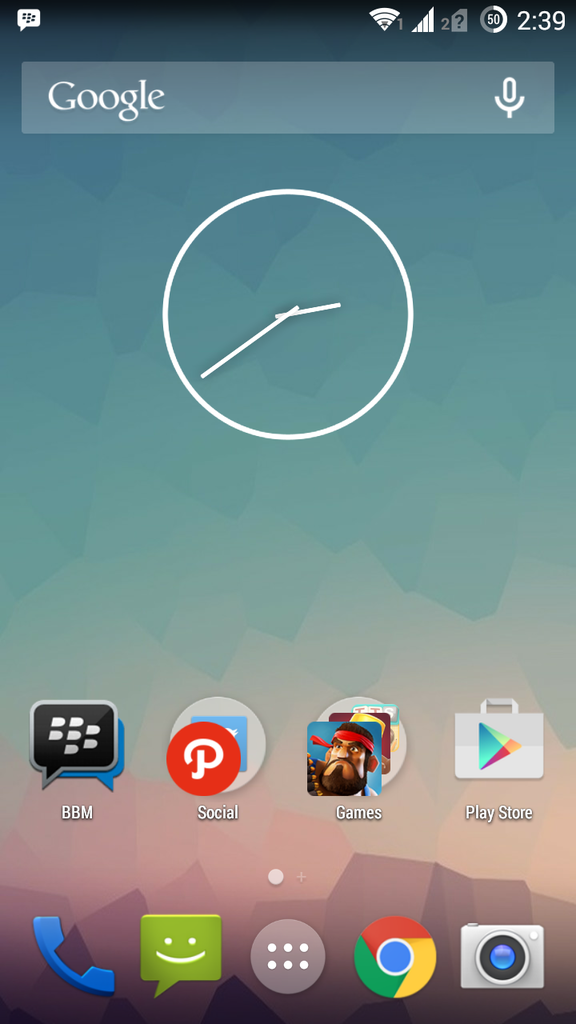
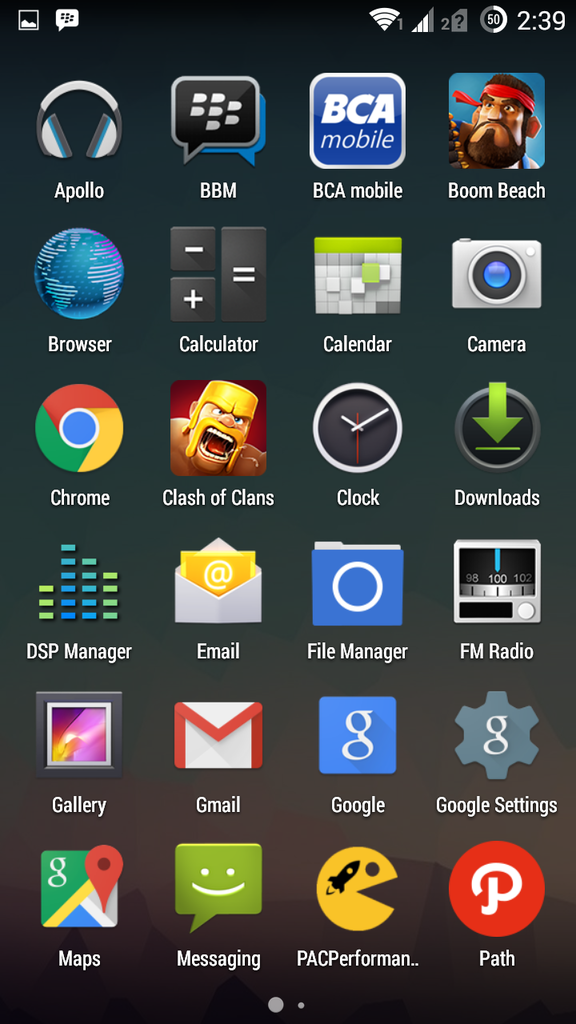
PACMAN ROM RC3 for Lenovo A6000
Quote:
Original Posted By t0miz►


Review sedikit:
- Smooth
- Konsumsi baterai kayaknya sama-sama hemat seperti stock ROM
- Banyak UI yang bisa kita rubah (PACMAN bro. Ditelen semua )
)
Bug :
- Belum nemu
Download link :
- ROM
Untuk ROM ada pada directory K30-T/custom/PACMAN
- GAPPS
Untuk GAPPS saya pakai pa_gapps-modular-nano-4.4.4-20150308-signed.zip
Credit to wladimir_tm@4pda.rufor ROM repository
Credit to colin0998@xda-developers.com for GAPPS
Spoiler for 1:
Spoiler for 2:
Spoiler for 3:
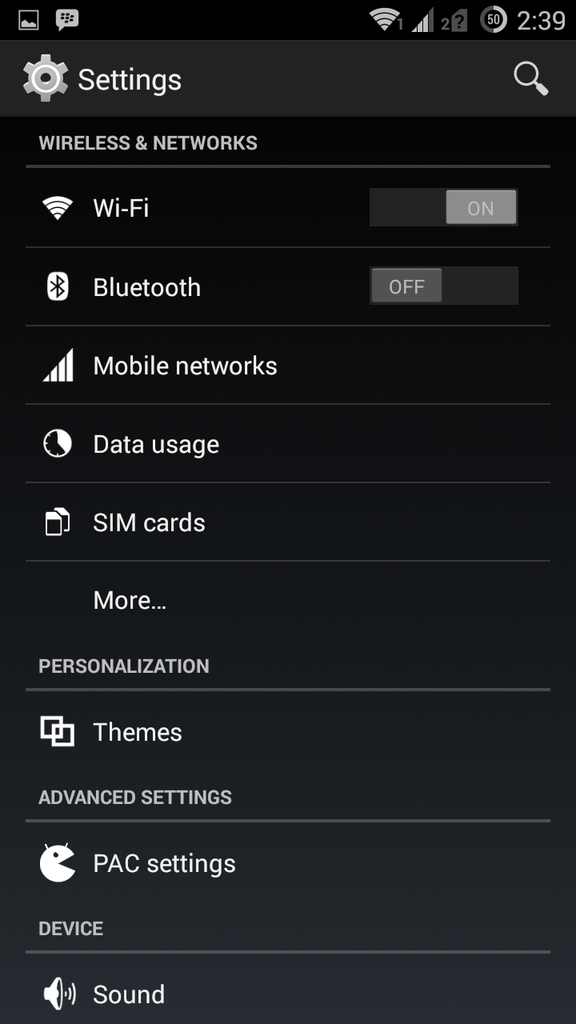
Spoiler for 4:
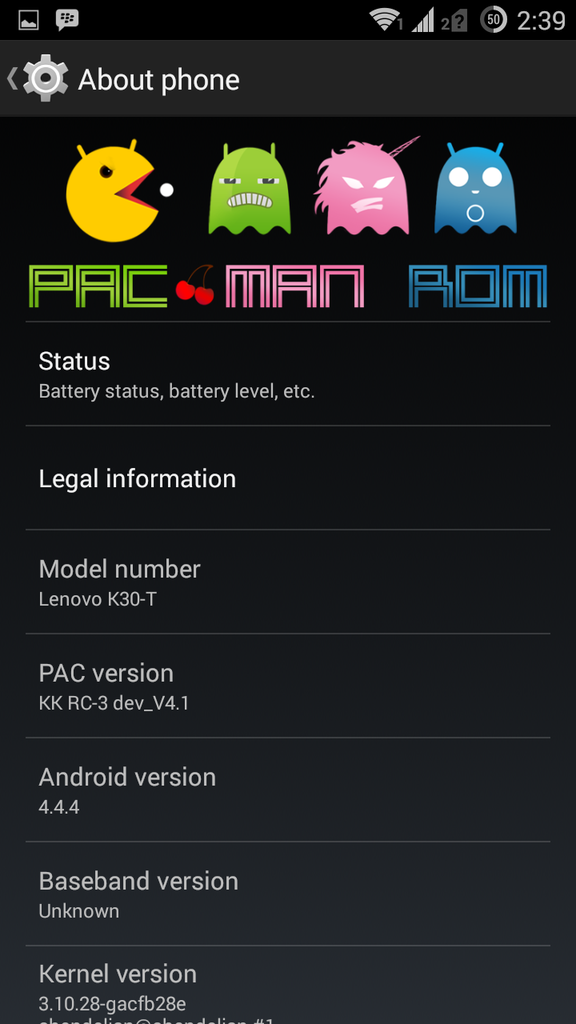
Spoiler for 5:
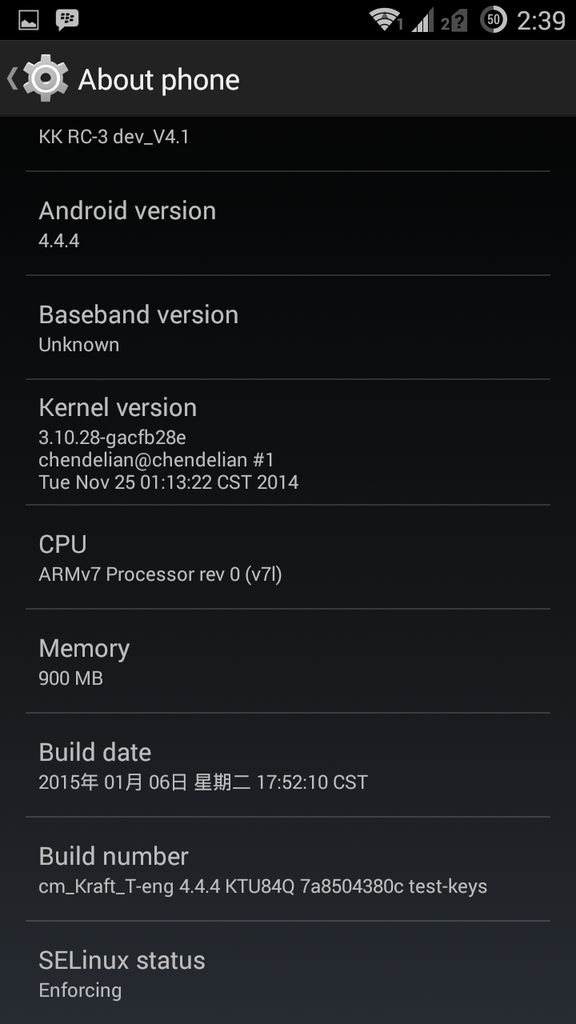
Review sedikit:
- Smooth
- Konsumsi baterai kayaknya sama-sama hemat seperti stock ROM
- Banyak UI yang bisa kita rubah (PACMAN bro. Ditelen semua
)Bug :
- Belum nemu
Download link :
- ROM
Untuk ROM ada pada directory K30-T/custom/PACMAN
Spoiler for Link ROM Copy-Paste aja:
- GAPPS
Untuk GAPPS saya pakai pa_gapps-modular-nano-4.4.4-20150308-signed.zip
Credit to wladimir_tm@4pda.rufor ROM repository
Credit to colin0998@xda-developers.com for GAPPS
Spoiler for MIUI :
Quote:
Quote:
MIUI 5.3.6 ROM FOR LENOVO A6000
FEATURES
* GPS Tweks
* BT Tweks
* Pre-Rooted
* Brighter Flashlight
* Brighter Camera Flash
* Themes Supported
* Battery Tweaks Added
*Optimized speed and WiFi
*Global MIUI6 style theme
*Optimized GPS, speed up positioning speed
*Touch effect optimization
*Optimized CPU running
*Deodex
*Optimized memory management
*Optimized network
*Optimized battery power
*Zipaliagned*
*Improve picture quality and Camera quality
*Unlocked FPS, improving 2D / 3D performance
* Many More....
And Lots Of Stuff I Dont Remember Now
INSTALLATIONS
1. Place downloaded rom zip into root of sd.
2. wipe data, cache , dalvik cache using custom recovery
3. select install zip from sd and select rom zip .
4. reboot and enjoy
BUGS-NO Bugs
Download Link-https://drive.google.com/file/d/0B5DPQVFll083R1ZfbDVod3Q3MTg/view?usp=sharing
[spoiler=SS]
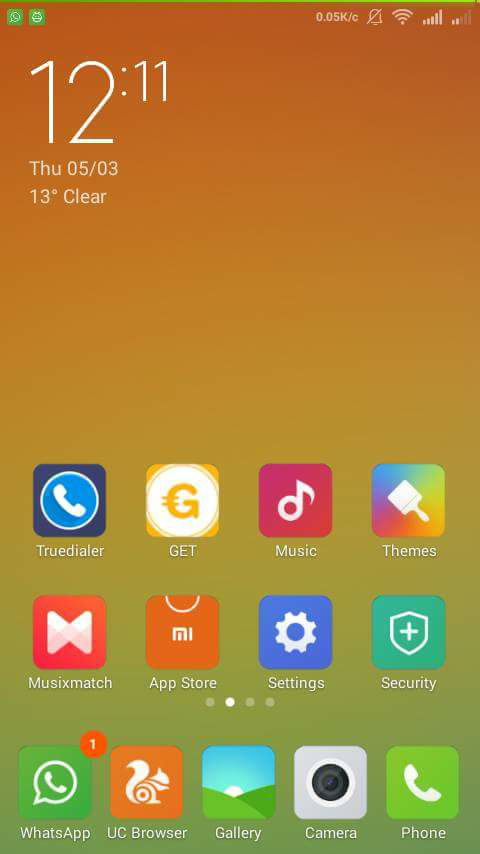

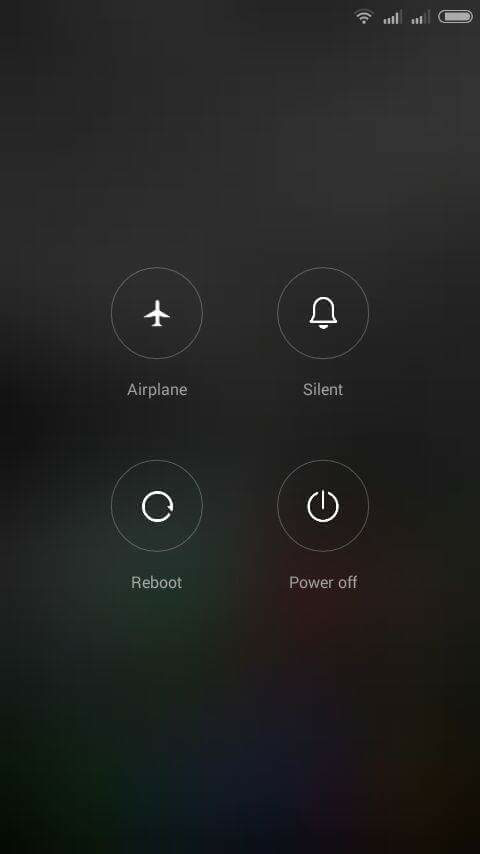
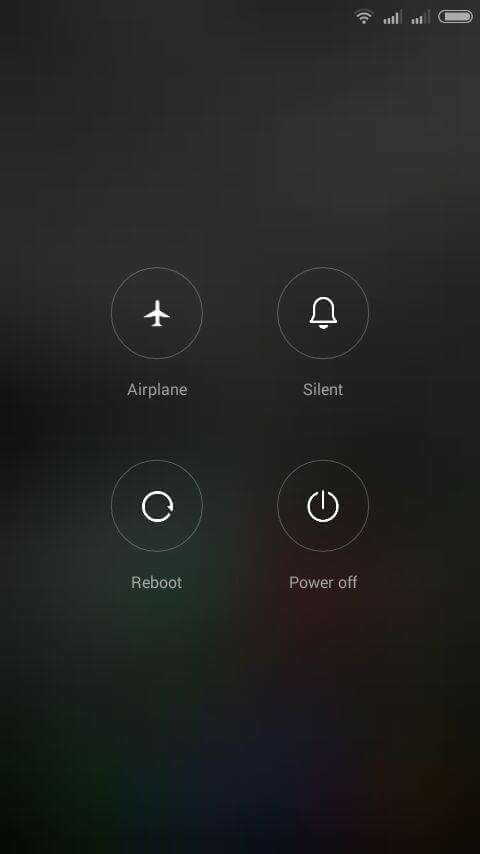
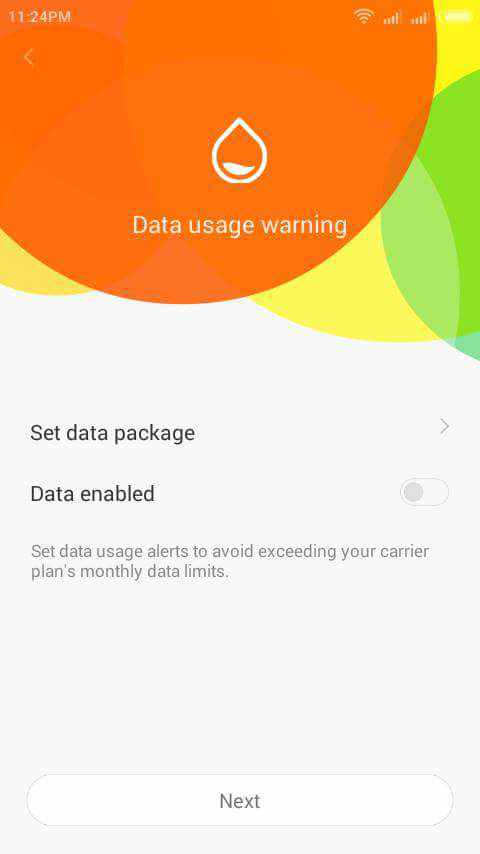

[
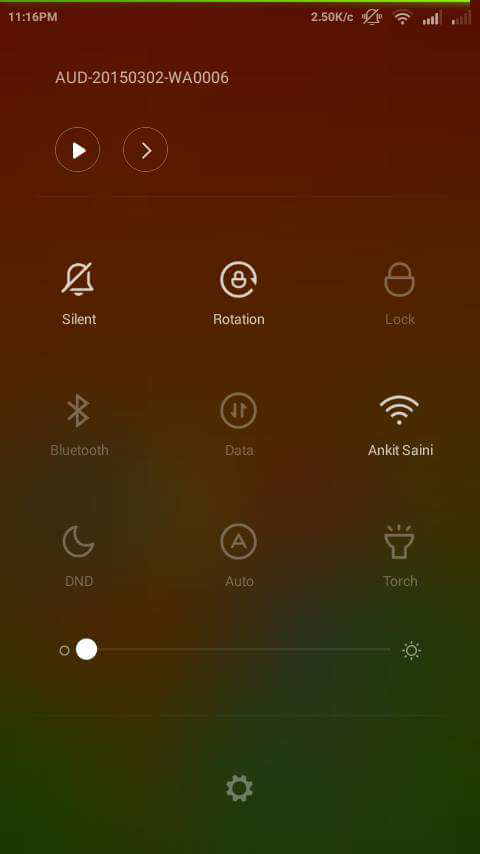 [/spoiler
Quote:
Quote:
Original Posted By thewalker►Mohon ijin share custom rom MIUI 6 beta versi 5.4.10
Bahan :
1. custom rom MIUI 6 versi 5.4.10
Link : http://techolaty.net/download-custom...vo-a6000-miui/
credit to : techolaty
2. google installer
Link : http://en.miui.com/thread-3998-1-1.html
credit to : MIUI forum
ane lebih pilih google installer buat install playstore, google map, google framework dkk
inget pilih yang perlu aja karena bikin berat. install dulu aja PS nanti akan diminta yang wajib diinstal.
gmail, google+, dkk kalo ga perlu ga usa diinstal ga papa.
daripada nanti pilih gapps dan ga cocok ( uda sempet nyobain ada yang ga cocok gaaps nya soalnya )
Persiapan :
1. Pastikan HH anda uda diroot dan terpasang CWM.
2. Back up aplikasi pake Titanium Backup kalo males install ulang aplikasi yang uda bejibun.
3. Install file custom rom dan taruh di luar folder di external memory ( sd card )
4. Install file google installer dan taro di sd card juga
Tutorial :
1. Matiin HH dan idupkan untuk masuk ke CWM ( tekan tombol volume+, - dan power bersamaan sampe keluar tulisan lenovo baru lepas )
2. Back up dulu via CWM di sdcard1 ( external sd ) buat jaga2 kalo ada apa2 bisa dibalikin lewat CWM.
3. Wipe data/factory reset
4. Wipe cache partition
5. Masuk advance wipe dalvik cache
6. Install zip pilih file cusrom tadi di storage sdcard1
7. Tunggu sampe semua complete trus reboot. pilih yes - fix root
8. Lenovo A6000 anda sudah berganti rom MIUI 6 beta 5.4.10 based China rom. Jadi jangan kaget kalau ga ada PS dan Google aplication lainnya dan jangan salah pilih bahasa english kecuali bisa berbahasa mandarin
9. Kalau mau pake cusrom nya apa adanya bisa aja. Tinggal install Titanium Backup trus restore backup tadi.
10. Kalau pengen ada google aplikasi kayak PS dkk install apk google installer yang tadi didonlot.
Bug :
Sampe saat ini belum nemuin. Nanti diupdate kalo uda nemu.
Tapi kalo beda ma Vibe UI sih ga bisa install di memory external ( MIUI rom ). Lagi nyari xposed yang cocok.
Catatan :
Kalau mengalami agak ngelag setelah install google aplication dkk itu normal. ibaratnya jalan 2 framework. MIUI dan google. Rajin2 bersihin ram dan lock aplikasi yang ga mau dikill. Sisa ram setelah flash di 350Mb dan sisa internal 3.5gigaan.
Bagusnya masih ada pilihan prefer LTE, prefer 3G dan 2G only. Tapi belom test soalnya jaringan XL jogja masih 900 dan HH nya frek 1800.
Antutu score di 19rban dari 20rban di Vibe UI.
Kamera lebih colorful khas MIUI dan kamera depannya lebih bening ketimbang stok rom IMHO ( cocok buat yang demen selfie )
Inget semua yang sebelumnya ga bisa kayak OTG dan compass tetep ga jalan ya di MIUI ini walopun rom aslinya support.
Selamat mencoba dan DWYOR
Please if you like
Sekedar barbuk









Bahan :
1. custom rom MIUI 6 versi 5.4.10
Link : http://techolaty.net/download-custom...vo-a6000-miui/
credit to : techolaty
2. google installer
Link : http://en.miui.com/thread-3998-1-1.html
credit to : MIUI forum
ane lebih pilih google installer buat install playstore, google map, google framework dkk
inget pilih yang perlu aja karena bikin berat. install dulu aja PS nanti akan diminta yang wajib diinstal.
gmail, google+, dkk kalo ga perlu ga usa diinstal ga papa.
daripada nanti pilih gapps dan ga cocok ( uda sempet nyobain ada yang ga cocok gaaps nya soalnya )
Persiapan :
1. Pastikan HH anda uda diroot dan terpasang CWM.
2. Back up aplikasi pake Titanium Backup kalo males install ulang aplikasi yang uda bejibun.
3. Install file custom rom dan taruh di luar folder di external memory ( sd card )
4. Install file google installer dan taro di sd card juga
Tutorial :
1. Matiin HH dan idupkan untuk masuk ke CWM ( tekan tombol volume+, - dan power bersamaan sampe keluar tulisan lenovo baru lepas )
2. Back up dulu via CWM di sdcard1 ( external sd ) buat jaga2 kalo ada apa2 bisa dibalikin lewat CWM.
3. Wipe data/factory reset
4. Wipe cache partition
5. Masuk advance wipe dalvik cache
6. Install zip pilih file cusrom tadi di storage sdcard1
7. Tunggu sampe semua complete trus reboot. pilih yes - fix root
8. Lenovo A6000 anda sudah berganti rom MIUI 6 beta 5.4.10 based China rom. Jadi jangan kaget kalau ga ada PS dan Google aplication lainnya dan jangan salah pilih bahasa english kecuali bisa berbahasa mandarin
9. Kalau mau pake cusrom nya apa adanya bisa aja. Tinggal install Titanium Backup trus restore backup tadi.
10. Kalau pengen ada google aplikasi kayak PS dkk install apk google installer yang tadi didonlot.
Bug :
Sampe saat ini belum nemuin. Nanti diupdate kalo uda nemu.
Tapi kalo beda ma Vibe UI sih ga bisa install di memory external ( MIUI rom ). Lagi nyari xposed yang cocok.
Catatan :
Kalau mengalami agak ngelag setelah install google aplication dkk itu normal. ibaratnya jalan 2 framework. MIUI dan google. Rajin2 bersihin ram dan lock aplikasi yang ga mau dikill. Sisa ram setelah flash di 350Mb dan sisa internal 3.5gigaan.
Bagusnya masih ada pilihan prefer LTE, prefer 3G dan 2G only. Tapi belom test soalnya jaringan XL jogja masih 900 dan HH nya frek 1800.
Antutu score di 19rban dari 20rban di Vibe UI.
Kamera lebih colorful khas MIUI dan kamera depannya lebih bening ketimbang stok rom IMHO ( cocok buat yang demen selfie )
Inget semua yang sebelumnya ga bisa kayak OTG dan compass tetep ga jalan ya di MIUI ini walopun rom aslinya support.
Selamat mencoba dan DWYOR
Please
if you like Sekedar barbuk
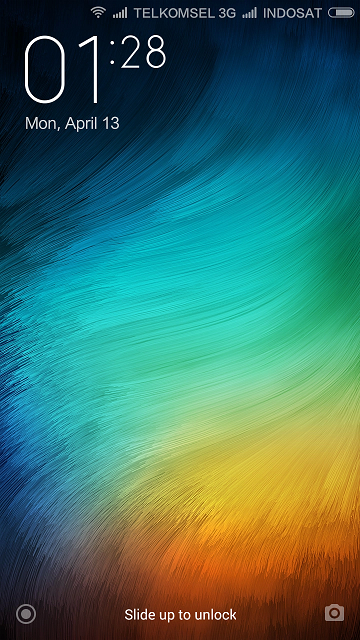
Spoiler for lockscreen:
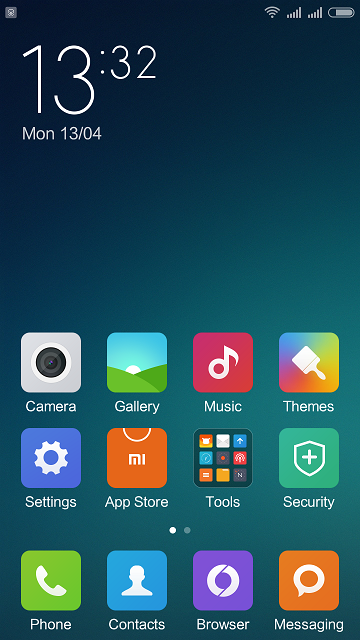
Spoiler for homescreen:
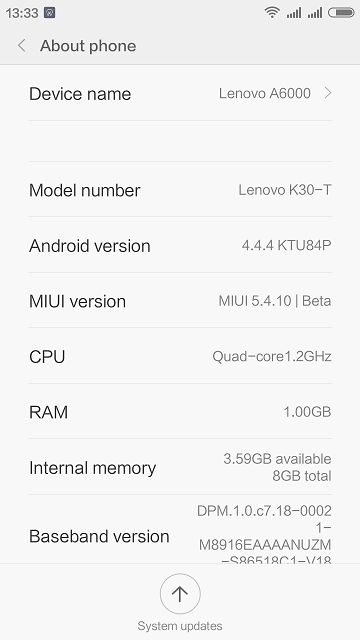
Spoiler for about:
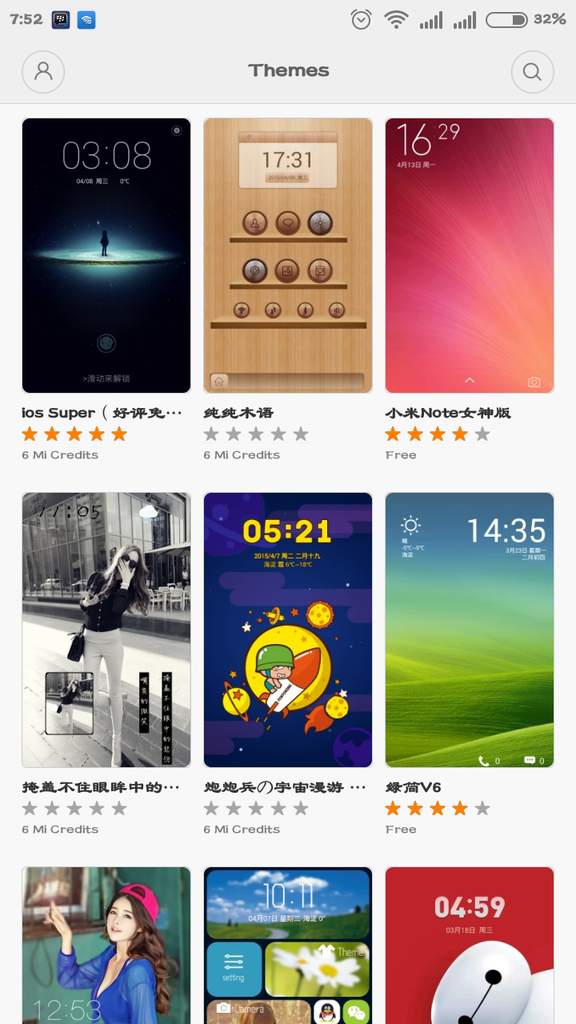
Spoiler for Mi theme:
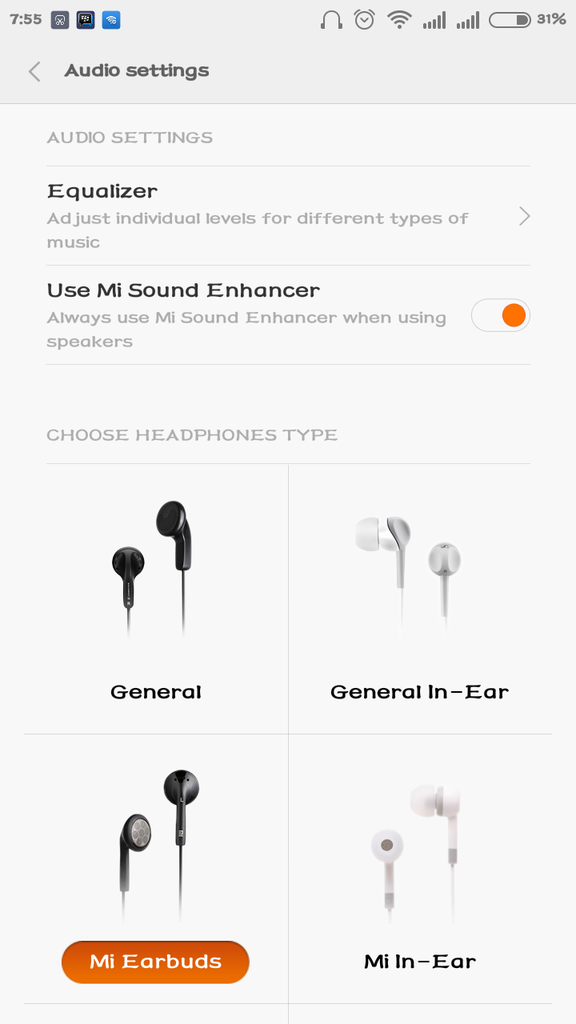
Spoiler for sound setting:
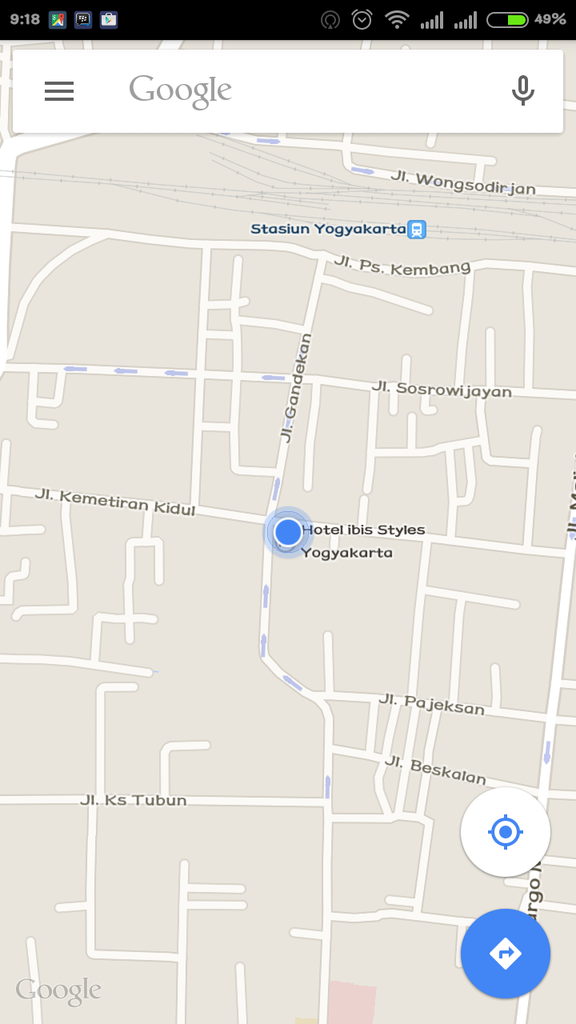
Spoiler for gps lock:
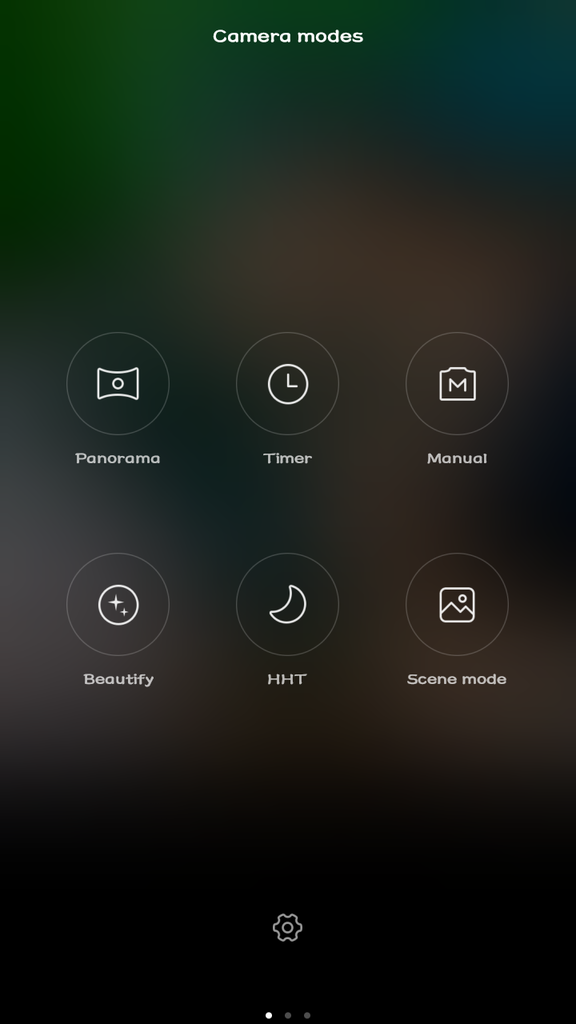
Spoiler for menu camera:
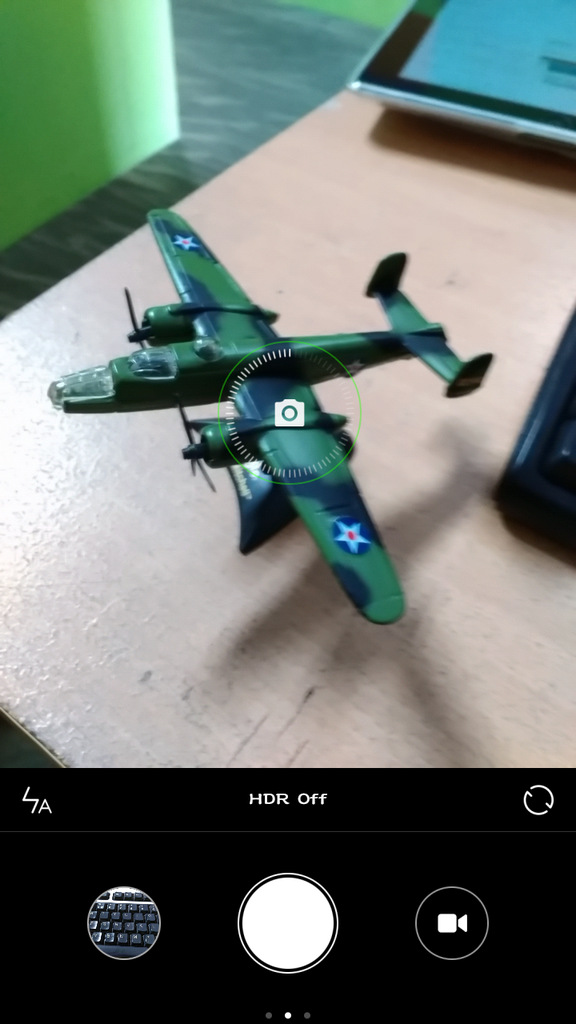
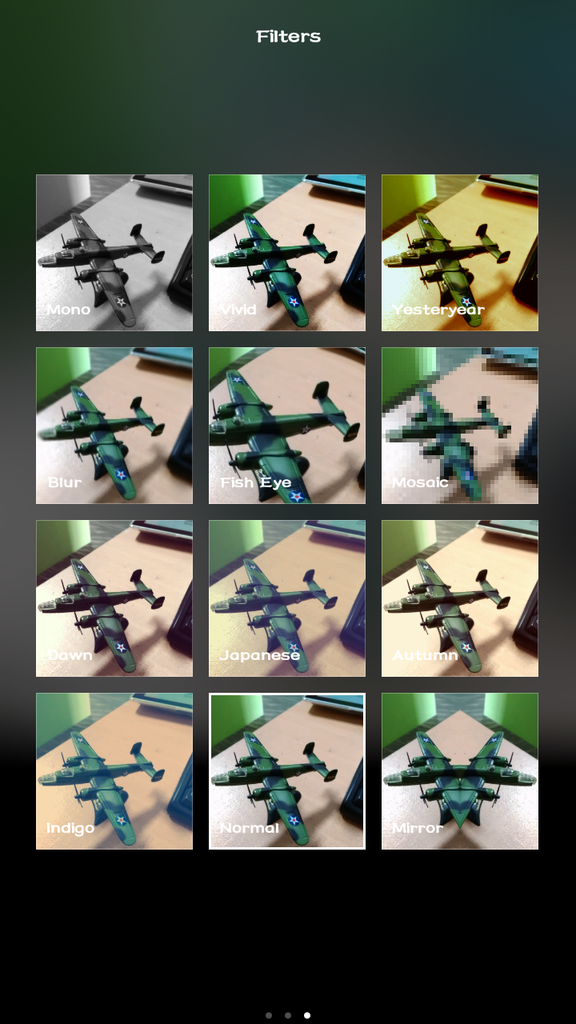
Spoiler for macro:

Spoiler for outdoor:


Spoiler for dark with flash auto:

Quote:
[QUOTE=junarock;5531fe8f947868240f8b456a]Sedikit share nih gan
Custom rom NubiaUI
Syarat :
1# Rooted
2# CWM Permanent/ temporary
3# nyali
Eksekusi :
1# seperti biasa gan Copas ke Sdcard
2# Reboot To Recovery
3# Full wipe System
4# Instal zip from sdcard
5# selesai..reboot..
Features of NUBIA-UI
Drop down Chameleon Status Bar
Lunar Lock Screen
Advanced Setting for Header
CRT Screen Lock with Switch Camera, Switch Lock Screen,
Display Calendar in Screen Lock
Double Tap to Unlock Screen
Virtual Power Buttons
Google Assistant
Xposed Status Bar (Two Styles)
Custom Label Status Bar Speed Switch (Three models)
Control Button Switches
Penampakannya Gan
Spoiler for "1":
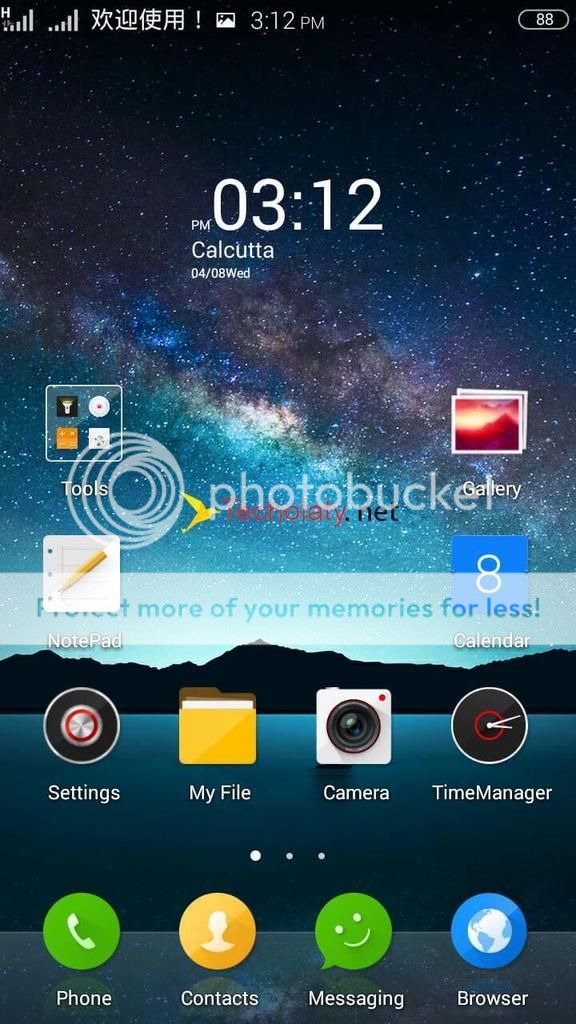
Spoiler for "2":

Spoiler for "3":

Spoiler for "4":

Spoiler for "5":

Spoiler for "6":

Spoiler for "7":

Spoiler for "8":

Spoiler for "9":

Rom ny sedot di sini
hapus tanda ( * )ny gan
[url]http://www.mediafire*.com/download/sa7z5f2j94h7b52/lenovo-a6000-custom-rom_nubiaUIv2.6.2.1_techolaty.net.zip[/url]
riview dikit...-Lumayan smoottt gan...tested and work...

Bijak sebelum oprek,,Backup jangan Lupa......sippppp cmiiiwwwww

-_-_-_-_-_-_-_-_D W Y O R-_-_-_-_-_-_-_-_
sumber :http://techolaty.net/
Quote:
Original Posted By junarock►Sedikit share nih gan
Custom rom NubiaUI
Syarat :
1# Rooted
2# CWM Permanent/ temporary
3# nyali
Eksekusi :
1# seperti biasa gan Copas ke Sdcard
2# Reboot To Recovery
3# Full wipe System
4# Instal zip from sdcard
5# selesai..reboot..
Features of NUBIA-UI
Drop down Chameleon Status Bar
Lunar Lock Screen
Advanced Setting for Header
CRT Screen Lock with Switch Camera, Switch Lock Screen,
Display Calendar in Screen Lock
Double Tap to Unlock Screen
Virtual Power Buttons
Google Assistant
Xposed Status Bar (Two Styles)
Custom Label Status Bar Speed Switch (Three models)
Control Button Switches
Penampakannya Gan
![kaskus-image]()
![kaskus-image]()
![kaskus-image]()
![kaskus-image]()
![kaskus-image]()
![kaskus-image]()
![kaskus-image]()
![kaskus-image]()
![kaskus-image]()
Rom ny sedot di sini
hapus tanda ( * )ny gan
[url]http://www.mediafire*.com/download/sa7z5f2j94h7b52/lenovo-a6000-custom-rom_nubiaUIv2.6.2.1_techolaty.net.zip[/url]
riview dikit...-Lumayan smoottt gan...tested and work...
Bijak sebelum oprek,,Backup jangan Lupa......sippppp cmiiiwwwww
-_-_-_-_-_-_-_-_D W Y O R-_-_-_-_-_-_-_-_
sumber :http://techolaty.net/
Custom rom NubiaUI
Syarat :
1# Rooted
2# CWM Permanent/ temporary
3# nyali
Eksekusi :
1# seperti biasa gan Copas ke Sdcard
2# Reboot To Recovery
3# Full wipe System
4# Instal zip from sdcard
5# selesai..reboot..
Features of NUBIA-UI
Drop down Chameleon Status Bar
Lunar Lock Screen
Advanced Setting for Header
CRT Screen Lock with Switch Camera, Switch Lock Screen,
Display Calendar in Screen Lock
Double Tap to Unlock Screen
Virtual Power Buttons
Google Assistant
Xposed Status Bar (Two Styles)
Custom Label Status Bar Speed Switch (Three models)
Control Button Switches
Penampakannya Gan
Spoiler for "1":
Spoiler for "2":
Spoiler for "3":
Spoiler for "4":
Spoiler for "5":
Spoiler for "6":
Spoiler for "7":
Spoiler for "8":
Spoiler for "9":
Rom ny sedot di sini
hapus tanda ( * )ny gan
[url]http://www.mediafire*.com/download/sa7z5f2j94h7b52/lenovo-a6000-custom-rom_nubiaUIv2.6.2.1_techolaty.net.zip[/url]
riview dikit...-Lumayan smoottt gan...tested and work...
Bijak sebelum oprek,,Backup jangan Lupa......sippppp cmiiiwwwww
-_-_-_-_-_-_-_-_D W Y O R-_-_-_-_-_-_-_-_
sumber :http://techolaty.net/
CUSTOM KERNEL
Spoiler for Cusker:
Diubah oleh gdrshop 18-04-2015 17:20
0